We Converted a Transparent Logo to JPG. Here's Exactly What Broke.
The file was a lion-head logo, PNG, 38.4 KB, transparent background. We ran it through our converter set to JPG, mostly to see the size difference. The size did drop, down to 25.5 KB. But the background didn't stay transparent. It turned solid white.
That's not a bug in the converter. It's what JPG does to every transparent pixel it receives, and it's the exact reason PNG still exists as a format three decades after JPG became the web's default.
What actually happened, pixel by pixel
Here's the source file, transparent background, ready to sit on top of any color or image behind it.

And here's the same file after conversion to JPG. Same lion, same colors, same linework. Different file entirely once you look at the background.

Checking the actual file properties confirms the numbers: the original PNG sat at 38.4 KB (39,398 bytes) on disk.
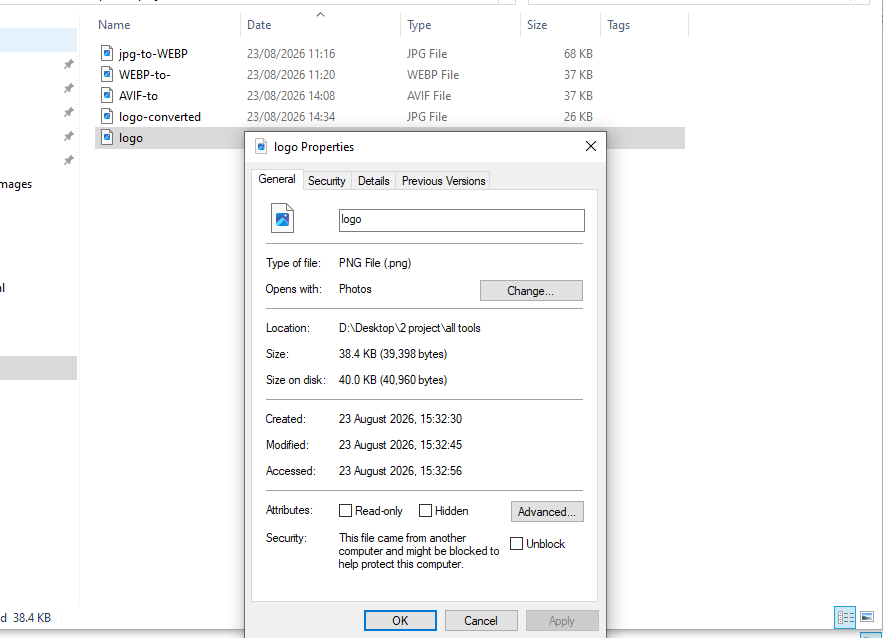
The converted JPG came in smaller, 25.5 KB (26,112 bytes), a real reduction.
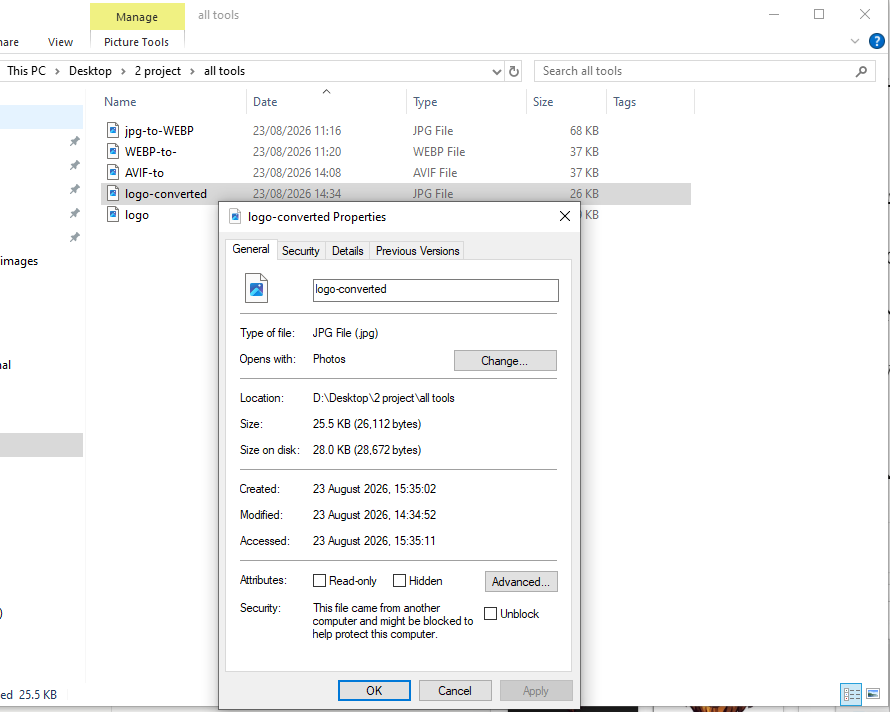
A 34% smaller file sounds like a win right up until you try to actually use it. Drop that JPG onto a colored header, a dark background, or over another image, and you get a visible white box around the lion instead of a clean logo sitting on top of whatever's behind it. The compression worked exactly as designed. The transparency didn't survive the trip, because JPG was never built to carry it.
Why this happens every time, not just sometimes
JPG's compression format has no channel reserved for transparency data at all, it's not a setting you can enable or a quality slider you can raise to preserve it. The format simply doesn't have a slot for "how see-through is this pixel." When a converter receives a transparent PNG and has to produce a JPG, it has exactly one option: pick a solid color, usually white, and paint it in behind every pixel that used to be see-through. That fill is permanent the moment the file saves. There's no setting on our converter or any other that reverses it after the fact, the transparency data is simply gone from the output file.
This is bigger than one lion logo
Once you've watched it happen to a real file, it's easy to spot every other place the same failure shows up:
- Product photography with a cutout background, the kind that's supposed to drop onto any page color, breaks the same way the logo did.
- Icon sets and UI elements meant to sit over varying backgrounds pick up the same white box.
- Any brand asset handed off to a partner, printer, or platform where you don't control what happens to it next carries the same risk if it arrives as a JPG instead of something that preserves alpha.
It's also worth being fair to the newer formats here: WebP and AVIF both support full transparency now too, so PNG isn't the only format standing between your logo and a white box the way it was a decade ago. But that's a decision for output formats where you control the destination. The moment a file might land in software you don't control, an unfamiliar CMS, a partner's upload form, a print shop, PNG remains the one universal bet that nobody has to configure anything to read correctly.
What we're actually doing differently now
Before converting anything with a transparent background to JPG for the size savings, we check for exactly one thing first: does this file actually have transparent pixels. If it does, and the destination is anything other than a background you fully control, the conversion doesn't happen, no matter how good the size reduction looks on paper. A smaller file that silently breaks the one thing the image was designed to do isn't actually smaller, it's just wrong in a way that doesn't show up until someone notices the white box.
Keep transparency intact in your logos
Convert your logos and cutouts into PNG or WebP with full alpha transparency preserved.