We Sent One WebP File to Four Formats. Only One Came Back Smaller.
WebP has a reputation as the format that "just converts to anything." Drop it into almost any converter and you'll see PNG, JPG, AVIF, GIF, SVG, all sitting there as valid targets, no warnings, no compatibility notes. That part is true. What doesn't get talked about is what happens to the file size on the other end of that conversion, and it isn't the same story every time.
We ran the actual conversions instead of guessing. Here's what came back.
The setup. We started with a plain JPG, 67.65 KB, and converted it to WebP first, just to see the compression side of the story everyone already talks about. Then we took a separate WebP file and pushed it out to four different formats one at a time, watching what came back each time.
Round one: JPG in, WebP out. Straightforward. The 67.65 KB JPG converted down to a 36.36 KB WebP, a 46% drop, with the image looking identical on screen. This is the direction WebP gets built for, and the number matches what you'd expect from a format designed around exactly this kind of compression.
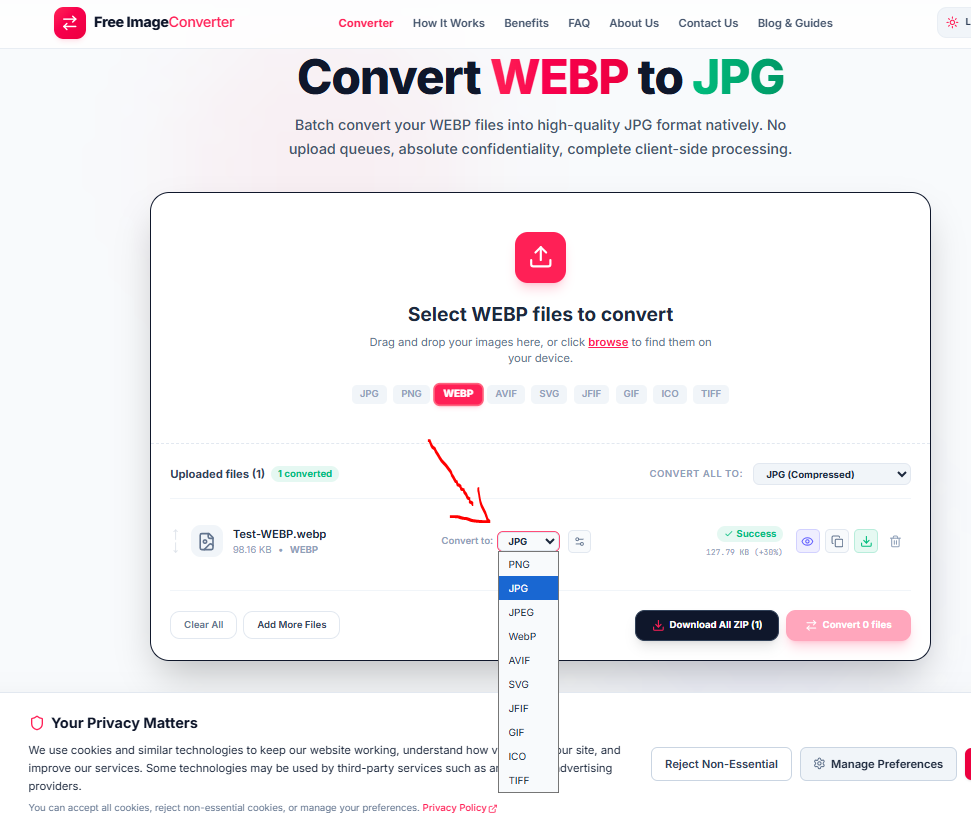
Round two: WebP going back out, four ways. This is where it gets interesting. We took a 36.36 KB WebP file and ran it through the converter four separate times, once per target format, changing nothing else.
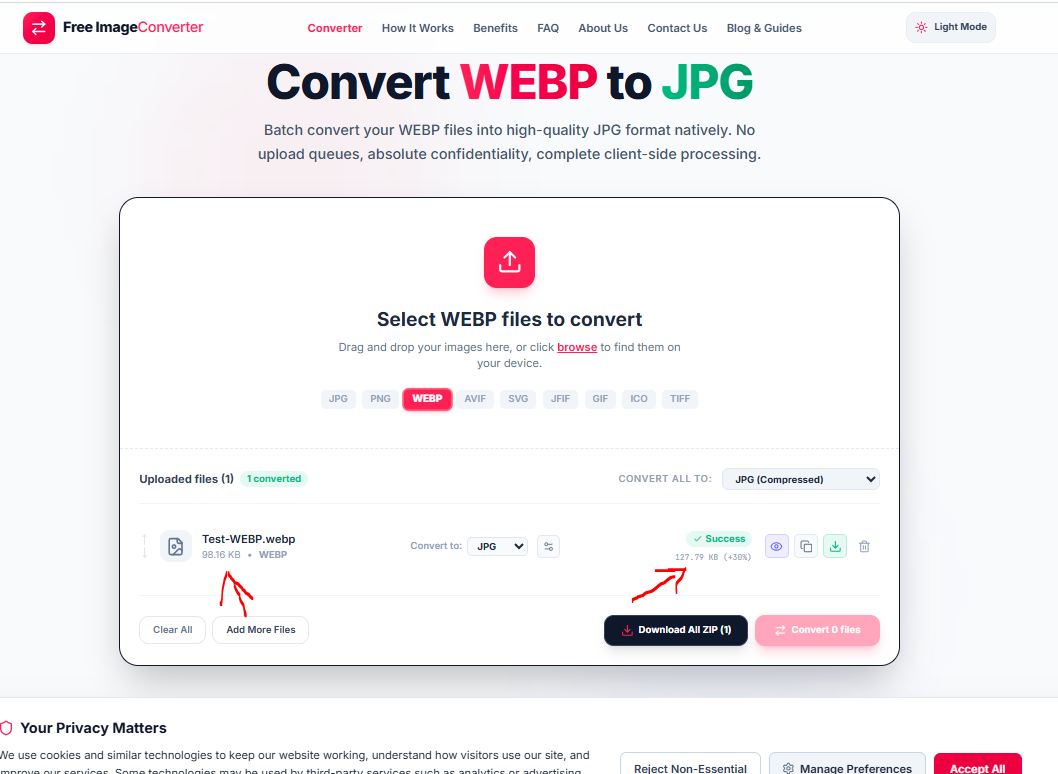
WebP to AVIF: 36.17 KB. Practically unchanged, a 1% drop. Makes sense once you know both formats are built on the same lineage of modern video-derived compression. Neither one is fighting the other for efficiency; they're close cousins.
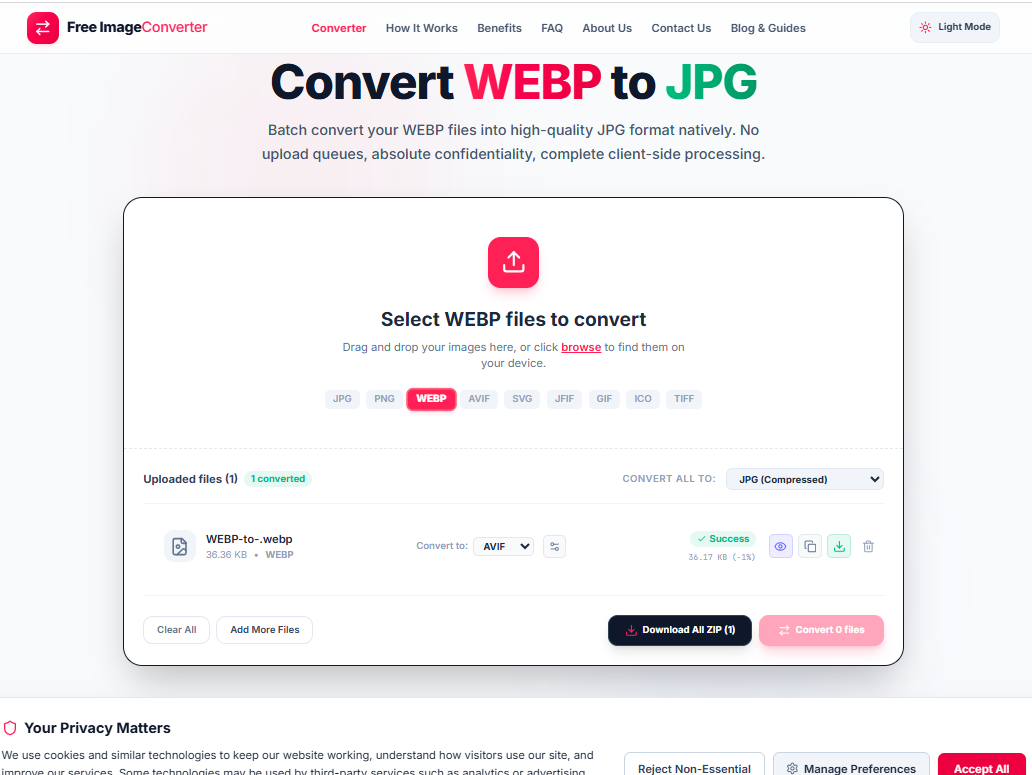
WebP to SVG: 48.64 KB, a 34% increase. SVG isn't a pixel format at all, it's a container that in this case wraps the rasterized image data since the source wasn't actually vector artwork to begin with, so some overhead here is expected.
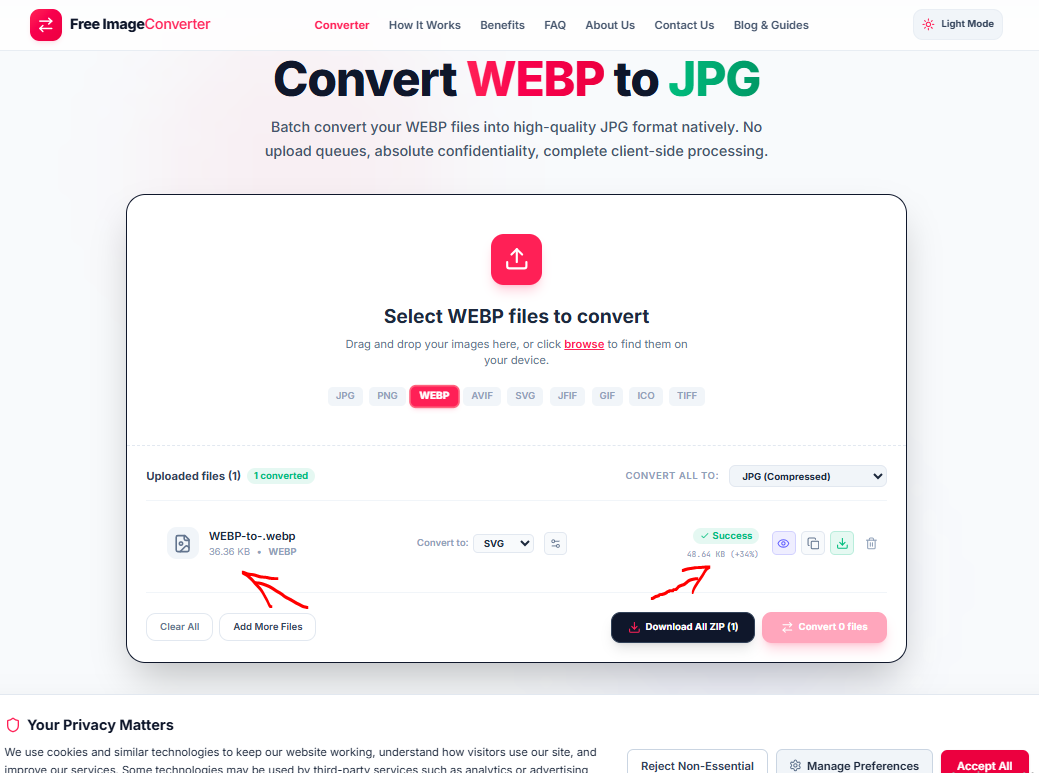
WebP to JPG: this one we tested on a different source file, 98.16 KB, since we wanted to see a bigger example. It came back at 127.79 KB, a 30% increase. JPG's DCT compression is simply less efficient than WebP's at the same visual quality, so going backward from the more efficient format to the older one gives up some of what WebP already saved.
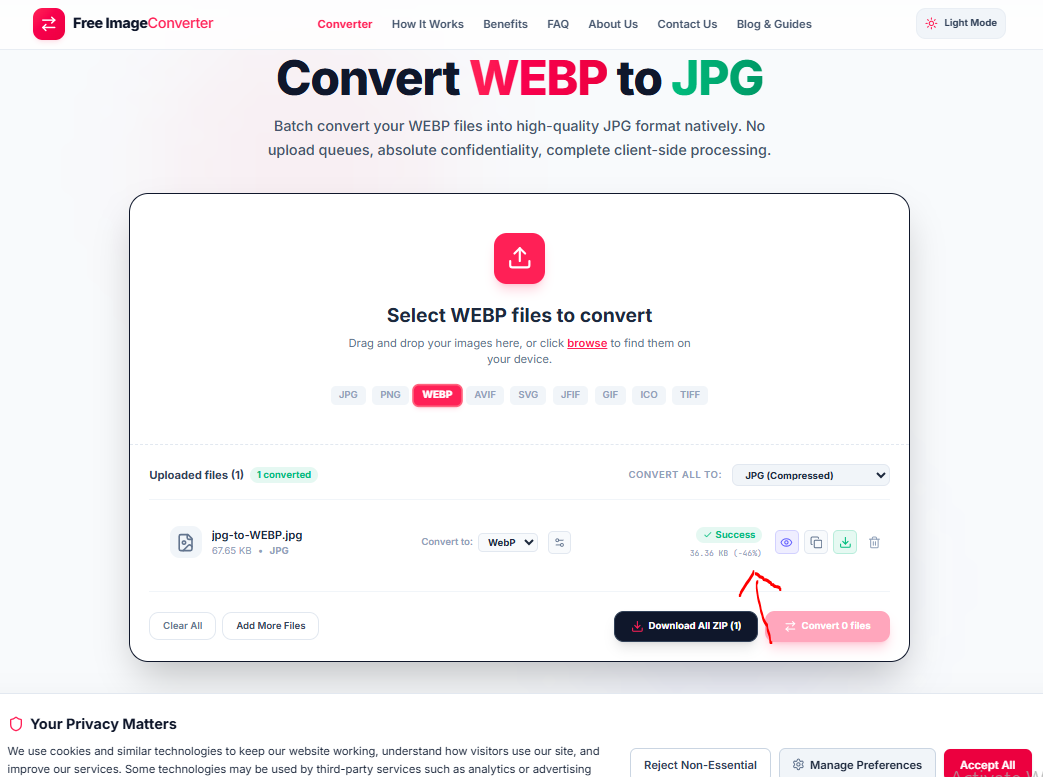
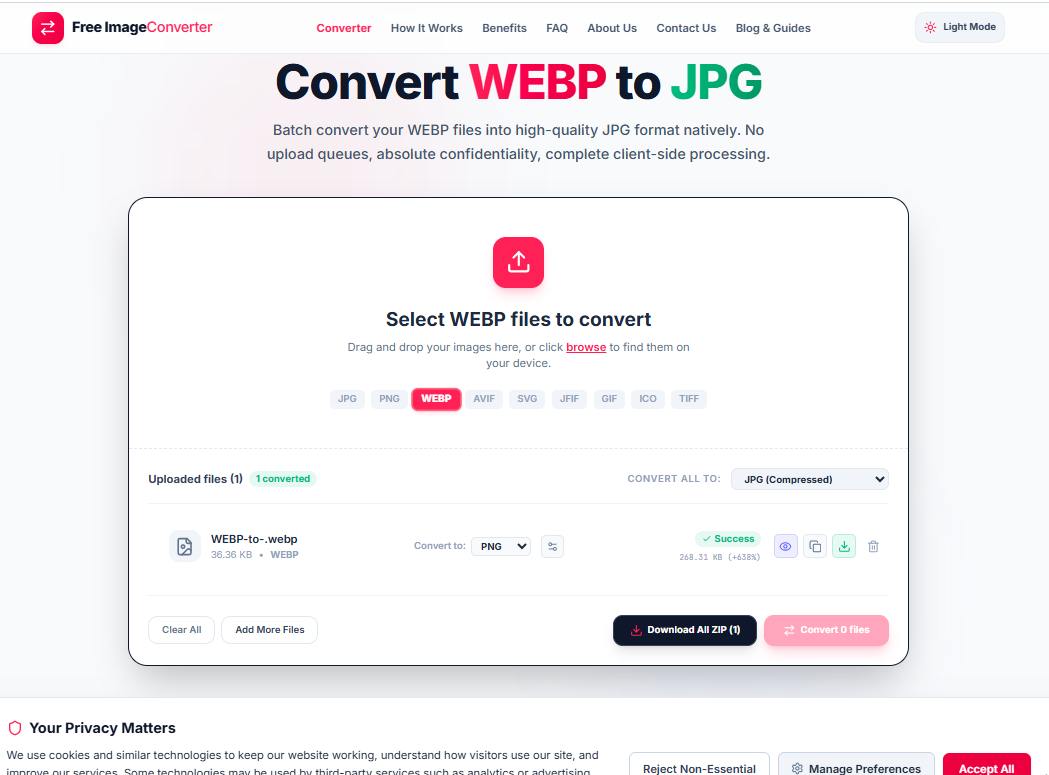
WebP to PNG: 268.31 KB, up 638% from the 36.36 KB source. This is the one that surprises people. PNG is lossless, it has to store far more raw information per pixel than a compressed format like WebP does, so converting into PNG is less a "conversion" and more an unpacking. The file gets bigger because PNG was never trying to be small in the first place, it was trying to be exact.
The full picture, side by side
| Conversion | Source | Result | Change |
|---|---|---|---|
| JPG → WebP | 67.65 KB | 36.36 KB | −46% |
| WebP → AVIF | 36.36 KB | 36.17 KB | −1% |
| WebP → SVG | 36.36 KB | 48.64 KB | +34% |
| WebP → JPG | 98.16 KB | 127.79 KB | +30% |
| WebP → PNG | 36.36 KB | 268.31 KB | +638% |
What didn't change: the image itself. Every single one of these conversions produced a file that looked exactly like the source when we opened it. No corrupted pixels, no color shifts, no missing regions. "Converts cleanly to anything" is true in the sense that matters most, the picture data survives the trip intact every time. What isn't true is the assumption that clean conversion also means small conversion. Those are two separate questions, and mixing them up is how people end up confused when their "optimized" WebP turns into a bloated PNG for no reason they can point to.
Why this actually matters if you're building a website
The reason WebP got adopted so widely by site builders in the first place isn't just the smaller file size on disk, it's what that smaller size does the moment a real visitor loads the page. A browser has to download the image before it can paint it on screen, and a WebP file that's 30 to 45% smaller than the JPG equivalent reaches the browser faster on every connection type, especially mobile data where every kilobyte is competing with everything else loading on the page. That's the entire reason it's worth having WebP as your delivery format for photos and banners, not because it's newer, but because visitors see the page finish loading sooner.
That advantage disappears the moment you convert a WebP into something less efficient for the sake of "compatibility" without checking whether compatibility was actually the problem. If a WebP is already working fine in every browser your visitors use, converting it to PNG for no specific reason just undoes the exact thing WebP was doing for your load times.
So which direction should the arrow point?
Based on what we actually measured: going into WebP from JPG or PNG is almost always a size win, worth doing for anything headed to a browser. Going out of WebP is situational. AVIF is a safe lateral move if you need that specific format for HDR or cutting-edge compression. JPG or PNG are moves you make for compatibility with a specific tool, print workflow, or upload form that won't accept WebP, not moves you make expecting a smaller file, because on this evidence you'll get the opposite.
If you want to run this on your own files instead of trusting our numbers, our converter supports all five formats above plus JPEG, JFIF, GIF, ICO, and TIFF from the same upload, so you can test more than one direction on the same file without re-uploading it each time.
Convert WebP images into any format
Safely convert WebP files to JPG, PNG, or AVIF with full control over compression and quality settings.