GIF to PNG: Why the File Size Barely Changes
Most format conversions on this site come with a size trade-off in one direction or another. GIF to PNG is the odd one out, and understanding why comes down to a detail about GIF that most people never think about: it was never really a photo format to begin with.
What GIF actually stores
GIF caps every image at a maximum of 256 colors, pulled from a palette baked into the file, and compresses that palette data losslessly using LZW. That 256-color ceiling was fine in 1987 for simple graphics and became the default engine for animated web content later, but it means a huge amount of color information gets discarded the moment an image becomes a GIF, well before any conversion tool touches it.
That's the piece that changes what "converting to PNG" actually does here.
What we saw converting a real file
We ran a 79.76 KB test GIF through our converter set to PNG (Lossless). The result came out at 77.95 KB, a 2% reduction.
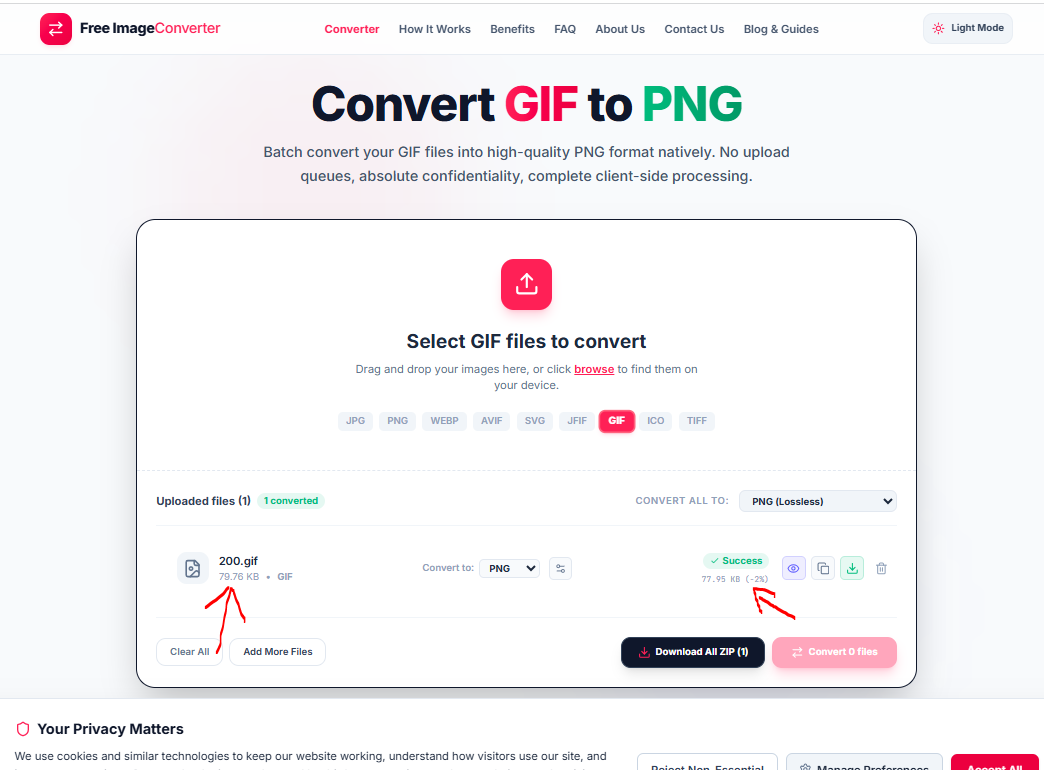
Compare that to some of our other conversion tests on this site, where switching formats has swung file size by 30 to 90% in either direction. Here, barely anything moved. PNG can store the exact same 256-color palette a GIF uses, so re-encoding from one to the other is close to a like-for-like swap rather than a genuine quality or size trade. The heavy lifting already happened when the source image was reduced to a GIF palette in the first place.
The one thing GIF to PNG doesn't preserve
If the GIF you're converting is animated, converting it to PNG keeps a single frame, since PNG has no concept of animation at all. That's expected behavior for any static-format conversion, but it catches people off guard when they assumed the whole animation would carry over. If you need to keep the motion, the file needs to go to a format built for it, not PNG.
Why GIF converts cleanly to almost anything
Here's the part worth knowing if you're dealing with more GIFs than just this one: because GIF already discarded color depth down to its 256-color ceiling, there's no additional quality left to lose by moving it into a richer format. Every format this tool supports, JPG, PNG, WebP, AVIF, TIFF, and the rest, can represent at least as much color information as a GIF already has. The conversion becomes a straightforward repackaging of data that was already limited, not a further compromise.
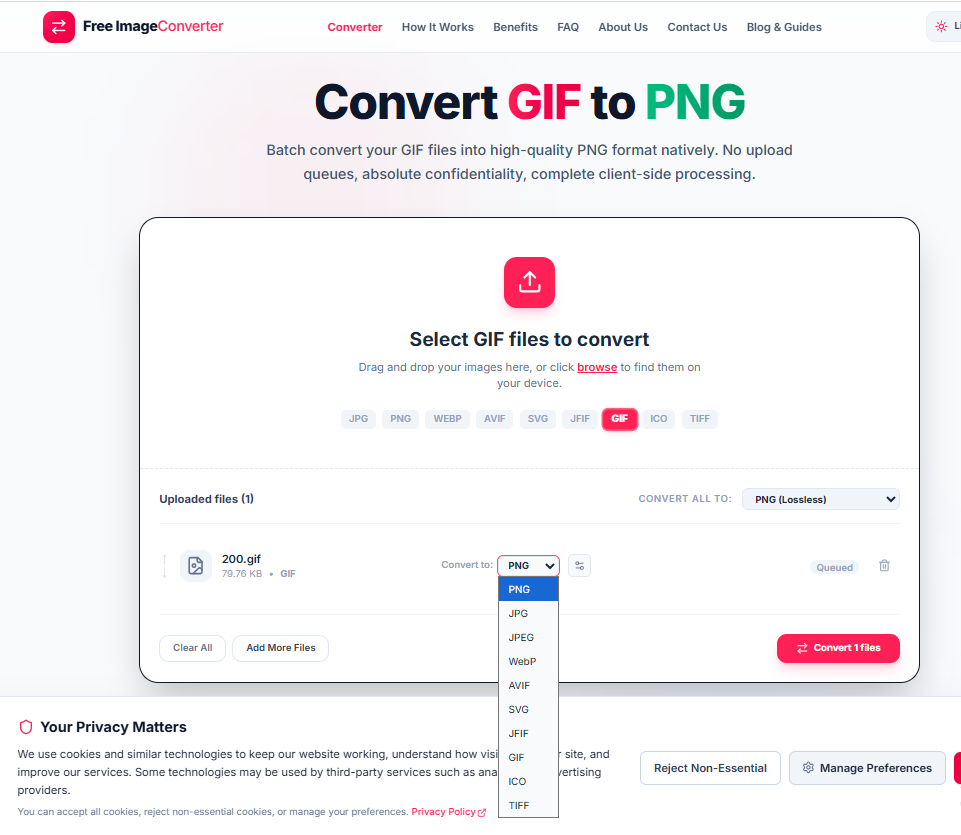
In practice that means you can pick whichever destination format actually solves your problem, PNG for a static image with transparency, JPG for a smaller file with no transparency needed, WebP for the best of both, without worrying that the choice itself is degrading anything beyond what the original GIF already gave up.
Try the GIF to PNG converter if you're dealing with a static graphic. If the file animates and you need to keep that, this particular conversion isn't the one you're looking for.
256-Color Palette Limit
GIF compresses an indexed table of up to 256 colors. Because PNG natively supports indexed palettes, re-encoding produces a nearly identical file size.
Animation Notice
Converting an animated GIF to standard PNG preserves only the first keyframe. Choose WebP or APNG if you need to retain animated loops.
Key Advantages
- Crisp Static Display: Clean static image reproduction for logos, diagrams, and UI assets.
- No Recompression Loss: Zero quality drop when repackaging already-indexed color tables.
- Multi-Format Targets: Seamlessly export to PNG, JPG, WebP, AVIF, or TIFF in batch.
Your GIF files are processed locally in your browser session. No data or images are ever uploaded to external servers.